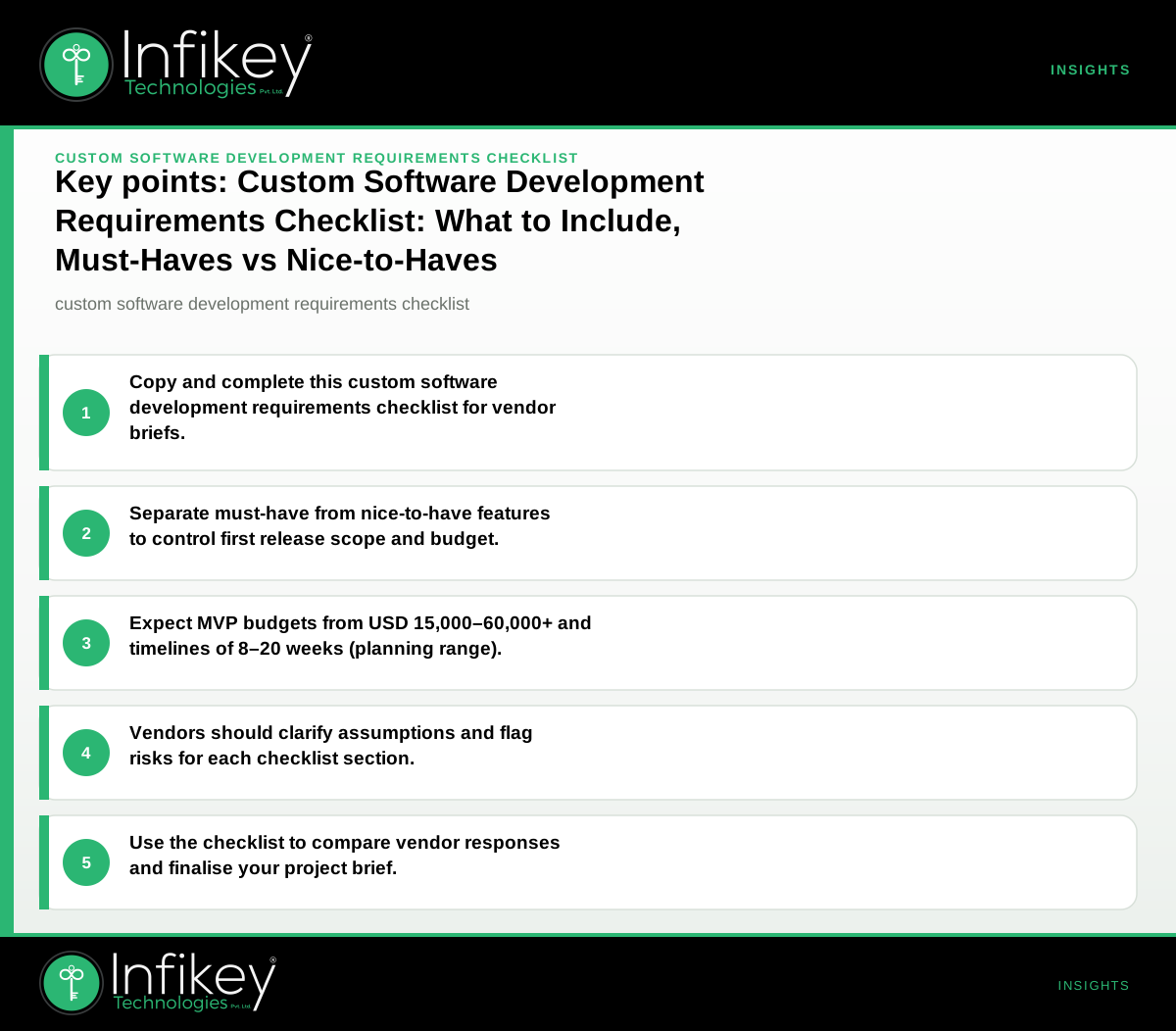
A custom software development requirements checklist covers the essential details you need to brief vendors, set expectations, and avoid scope gaps. Use this checklist to clarify goals, scope, technical needs, compliance, budget, and timeline—then share it directly with your shortlisted software engineering partners for precise proposals.
Why a Custom Software Development Requirements Checklist Matters
A well-structured custom software development requirements checklist is essential for ensuring your project’s success. It brings clarity to your vision, aligns all stakeholders, and helps vendors provide accurate estimates. Without a comprehensive checklist, you risk miscommunication, feature creep, and budget overruns. By investing time upfront to specify your needs, you set the stage for a smoother development process and better outcomes.
How to Use This Checklist with Vendors
- Copy the checklist below and fill in your answers.
- Mark each item as must-have or nice-to-have for your first release.
- Share the completed checklist with potential vendors, asking them to respond to each section.
- Use the table and example to compare responses and finalise your brief.
This process ensures all vendors are evaluated on the same criteria, making it easier to compare proposals and avoid surprises later. It also helps you clearly communicate your expectations and priorities from the outset.
Custom Software Development Requirements Checklist
Project Goals and Business Context
- What problem does the software solve? (e.g. automate manual process, enable new service)
- Who are the main users? (internal teams, customers, partners)
- What are the success criteria? (KPIs, business outcomes, usage targets)
- Are there any deadlines driven by business events?
Functional Scope
- List the core features required for launch (e.g. user login, dashboard, reporting)
- List secondary features or integrations (e.g. payment gateway, CRM sync)
- Are there existing systems to integrate with? (name, API availability)
- What is out of scope for the initial release?
Technical Requirements
- Preferred platforms: web, mobile (iOS/Android), desktop
- Any technology preferences or constraints? (e.g. .NET, Java, open source)
- Data migration needs from existing systems?
- Expected user load or performance requirements?
- Hosting/cloud preferences (e.g. AWS, Azure, on-premises)
Content and User Experience
- Who will provide content, copy, and images?
- Accessibility requirements (e.g. WCAG compliance)
- Languages/localisation needed?
- Branding or design guidelines to follow?
Compliance, [Security](/services/cybersecurity), and Data Privacy
- Industry regulations to comply with? (GDPR, HIPAA, PCI-DSS)
- Data storage location requirements?
- Security standards or certifications required?
- User authentication and access control needs?
- Audit logging or reporting needs?
Budget and Timeline
- Target budget range for first release (see table below for ballparks)
- Preferred commercial model (fixed price, time & materials, retainer)
- Target launch date or timeline constraints
- Ongoing support or maintenance expectations
Must-Have vs Nice-to-Have: First Release Table
A critical part of your software requirements checklist is distinguishing between must-have and nice-to-have features. This helps prevent scope creep and keeps your initial release focused and achievable. Here’s a sample table to help you prioritise:
| Requirement | Must-Have | Nice-to-Have |
|---|---|---|
| User authentication (login, roles) | ✓ | |
| Core dashboard and reporting | ✓ | |
| Payment gateway integration | ✓ | |
| Mobile app version | ✓ | |
| Multi-language support | ✓ | |
| Custom branding | ✓ | |
| GDPR compliance | ✓ | |
| Integration with CRM | ✓ | |
| Advanced analytics | ✓ | |
| Data migration from legacy system | ✓ |
Tip: When filling out your table, involve stakeholders from different departments to ensure all critical needs are captured. Revisit this table during development to manage change requests and keep your project on track.
Must-Have vs Nice-to-Have Features: Decision Rules
- Must-have features are essential for the software to deliver its core value and meet business objectives. Without them, the project’s goals are not met.
- Nice-to-have features enhance the user experience or provide additional value but are not critical for the initial launch. These can be planned for future releases.
When prioritising, consider:
- Regulatory or compliance-driven requirements (always must-have)
- Features directly tied to business KPIs
- Integrations critical for workflow continuity
- User feedback from pilot groups or early adopters
Example: Filled-In Checklist Entry (Anonymous Project)
Project: Internal resource booking portal for a mid-sized professional services firm.
- Goals: Replace manual spreadsheet process, improve booking visibility, reduce double-booking errors.
- Users: 200 internal staff across 3 regions.
- Core features: User login, booking calendar, approval workflow, notifications.
- Secondary features: Mobile access, integration with Outlook calendar (nice-to-have).
- Technical: Web app, no preference on stack, hosted on Azure, must support SSO.
- Compliance: GDPR, audit logging required.
- Budget: USD 25,000–35,000 for MVP (based on Infikey planning ranges).
- Timeline: 12–14 weeks to launch.
Custom Software RFP Template: What to Include
A robust custom software RFP template (Request for Proposal) should include:
- Project overview and objectives
- Detailed requirements (use your checklist as the core)
- Must-have vs nice-to-have features (clearly marked)
- Technical environment and constraints
- Expected deliverables and milestones
- Software project scope checklist (what’s in and out of scope)
- Evaluation criteria for vendor selection
- Budget and timeline expectations
- Questions for vendors (see below)
Sharing a complete RFP based on your filled-in checklist ensures vendors respond with relevant, comparable proposals. This saves time in the evaluation process and reduces back-and-forth.
Software Project Scope Checklist: Avoiding Scope Creep
A software project scope checklist helps you define boundaries and prevent unplanned expansion. Key elements include:
- In-scope features: List all functionalities to be delivered in the current phase.
- Out-of-scope items: Explicitly state what will not be included (e.g., certain integrations, advanced analytics, native mobile apps).
- Dependencies: Note any third-party systems, data sources, or teams required for delivery.
- Assumptions: Document any assumptions made (e.g., data will be provided in a specific format).
- Acceptance criteria: Define what constitutes successful delivery for each feature.
Review this checklist with your vendor at project kickoff and during milestone reviews to ensure alignment.
How Vendors Should Respond to Each Section
- Goals: Confirm understanding; highlight any assumptions or risks.
- Scope: Map features to must-have/nice-to-have; flag dependencies or gaps.
- Technical: Suggest suitable tech stacks; clarify hosting, integration, and scalability options.
- Content/UX: Outline design and content responsibilities; propose UX approach.
- Compliance: State experience with relevant standards; suggest security/data handling measures.
- Budget/Timeline: Provide a ballpark estimate and timeline, referencing similar projects (see Infikey's ranges below). Note any factors that could affect cost or schedule.
Budget and Timeline Planning Ranges for Typical Projects
Understanding your software development budget range is crucial for planning and vendor selection. Here are Infikey’s planning ballparks for typical custom software projects:
| Project Type | Ballpark Budget (USD) | Timeline (weeks) |
|---|---|---|
| Custom web application / portal (MVP) | 15,000–60,000+ | 8–20 |
| Mobile app (iOS + Android, Flutter/native) | 12,000–45,000 | 10–18 |
| AI feature on existing product | 8,000–35,000 | 6–14 |
*Final scope and commercials are confirmed after discovery. For a tailored estimate, try Infikey’s custom software cost calculator.*
Example Project Shapes with Budget and Timeline
- A mid-market retailer rebuilding a catalogue site: Planning range USD 15,000–60,000+, timeline 8–20 weeks.
- A startup launching a cross-platform mobile app MVP: USD 12,000–45,000, timeline 10–18 weeks.
- Adding an AI feature (like smart search) to an existing SaaS product: USD 8,000–35,000, timeline 6–14 weeks.
These ranges help you set realistic expectations and shortlist vendors who can deliver within your budget and timeline.
Questions to Ask Vendors Before You Commit
- How will you clarify anything unclear in our checklist?
- What delivery risks or dependencies do you see?
- Can you provide a breakdown for must-have vs nice-to-have features?
- What is your change management process during development?
- How do you handle post-launch support and maintenance?
- What is your experience with similar projects in our industry?
- How do you ensure requirements are tracked and delivered as agreed?
Steps to Finalise Your Requirements and Select a Vendor
- Complete your custom software development requirements checklist.
- Prioritise features as must-have or nice-to-have.
- Prepare a custom software RFP template using your checklist.
- Share the RFP with shortlisted vendors and request detailed responses.
- Evaluate proposals using your software requirements checklist and project scope checklist.
- Discuss the software development budget range and confirm the commercial model.
- Clarify any open questions and confirm the final scope before signing.
Common Pitfalls to Avoid
- Vague requirements: Leads to misinterpretation and rework.
- Unclear priorities: Causes delays and increases costs.
- Ignoring compliance or security early: Can result in expensive fixes later.
- Underestimating content and data migration needs: Delays go-live.
- Not planning for ongoing support: Leaves you unprepared post-launch.
Next Steps
A clear, copyable custom software development requirements checklist is the fastest way to get accurate proposals and avoid surprises. For help refining your brief or to discuss your project with senior engineers, see Software engineering or [[Contact Infikey]({{contact](/contact))}}.