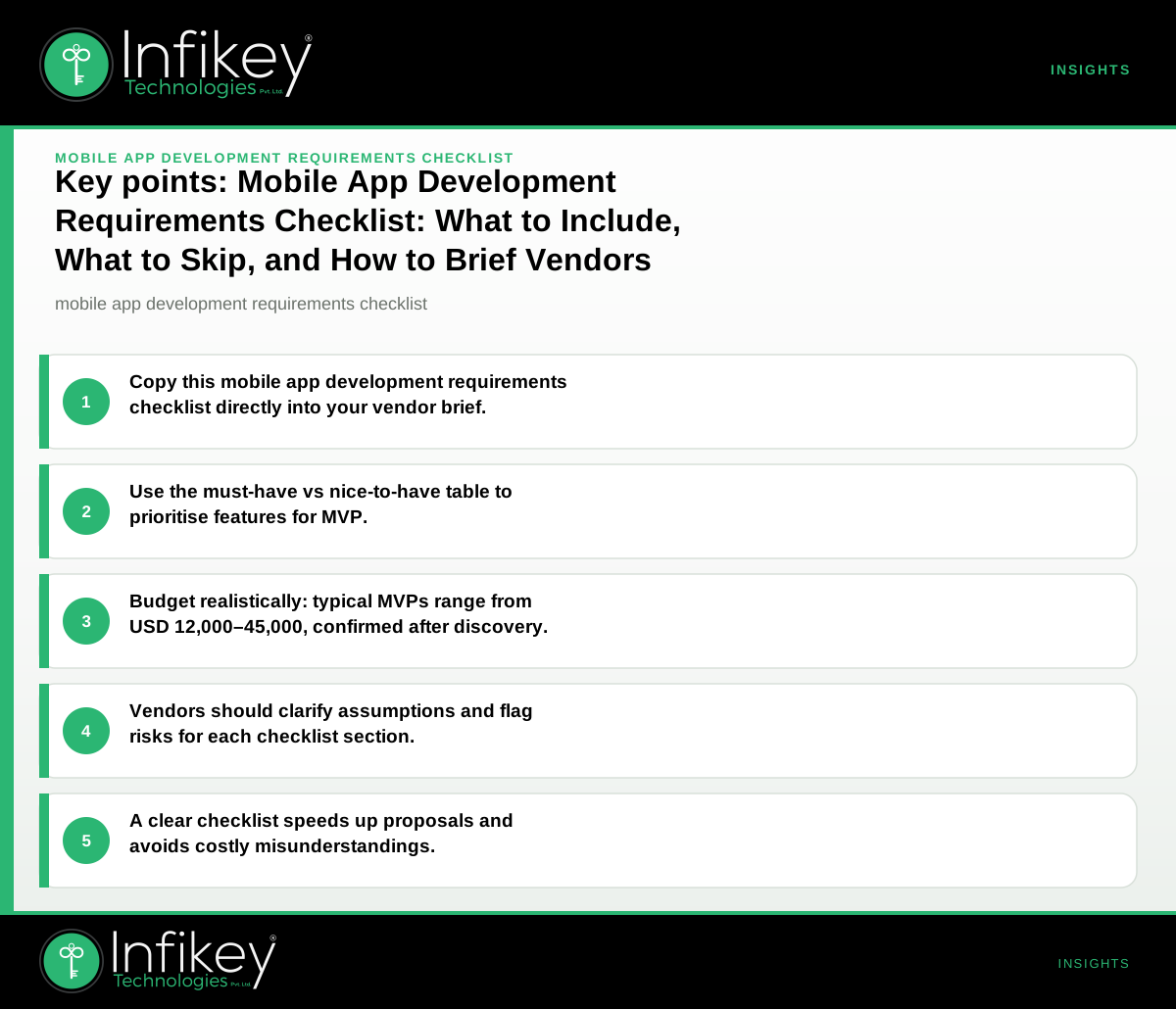
A mobile app development requirements checklist covers the essential decisions, features, and constraints you must define before engaging a vendor. Use this checklist to brief development partners, clarify priorities, and ensure your project scope, budget, and timeline are realistic for a global delivery context.
Why a Mobile App Development Requirements Checklist Matters
A thorough mobile app development requirements checklist is the foundation of a successful project. It acts as a communication bridge between your business and your development partner, such as Infikey Technologies Pvt. Ltd., ensuring that all stakeholders are aligned from day one. By clearly outlining your needs, you reduce the risk of miscommunication, scope creep, and costly rework. In a competitive global market, clarity and precision in your mobile app requirements document can be the difference between a smooth launch and a delayed, over-budget project.
---
How to Use This Checklist with Vendors
Copy the checklist below into your project brief or RFP. For each section, specify your needs or mark as "to be advised" if you expect vendor input. This approach helps vendors like Infikey Technologies Pvt. Ltd. provide accurate proposals, avoid scope creep, and flag risks early.
When sharing your checklist, consider:
- Being specific: The more detail you provide, the more tailored and accurate your proposal will be.
- Identifying decision-makers: Clarify who will approve features, designs, and budget changes.
- Requesting feedback: Invite vendors to challenge assumptions or suggest improvements based on their experience.
---
Mobile App Development Requirements Checklist
1. Goals & Success Criteria
- What is the primary goal of the app (e.g., revenue, engagement, process efficiency)?
- Who are the target users (demographics, regions, languages)?
- What does success look like (KPIs, adoption targets, launch deadline)?
- Are there specific business outcomes or metrics that must be tracked from day one?
2. Scope & Features
- Core features for first release (MVP): List must-haves only.
- Nice-to-have features for later (future releases or backlog).
- Supported platforms: iOS, Android, or both?
- Device types: Phone, tablet, or both?
- Integration with existing systems (APIs, databases, third-party services)?
- User roles and permissions required?
- Are there features that must work offline or in low-connectivity environments?
3. Technical Requirements
- Preferred technology stack (if any): Flutter, React Native, native, etc.
- Backend hosting: Cloud preference (AWS, Azure, GCP, other)?
- Data storage and sync needs (online/offline, real-time updates)?
- Authentication: Email, social login, SSO, biometrics?
- Push notifications required?
- Analytics and tracking needs?
- Are there any third-party SDKs or libraries that must be used?
4. Content & Design
- Branding assets available (logo, colour palette, fonts)?
- Wireframes or design mockups ready?
- Content sources: Who provides app copy, images, videos?
- Localisation: Languages supported at launch?
- Accessibility requirements (WCAG, screen reader support)?
- Are there existing brand guidelines or a style guide to follow?
5. Compliance & [Security](/services/cybersecurity)
- Data protection requirements (GDPR, CCPA, other)?
- App store compliance (Apple, Google guidelines)?
- Security needs: Encryption, secure storage, audit logs?
- Age restrictions or parental controls?
- Are there industry-specific compliance standards (e.g., HIPAA for healthcare, PCI DSS for payments)?
6. Budget & Timeline
- Budget range for first release (USD, specify currency if different).
- Target launch date or time-to-market window.
- Ongoing support/maintenance needs post-launch?
- Are there hard deadlines tied to events, campaigns, or regulatory changes?
---
Mobile App Requirements Document: What to Include
A mobile app requirements document is your project's single source of truth. It should include:
- Executive summary and project vision
- Detailed feature list, prioritised for MVP and future phases
- User stories or use cases
- Technical architecture overview (if available)
- Integration points and dependencies
- Compliance and security requirements
- Acceptance criteria for each feature
- Timeline and milestone expectations
- Budget assumptions and constraints
Use a mobile app project brief template to structure your requirements document. This ensures nothing critical is missed and makes it easier for vendors to provide accurate estimates.
---
Must-Have vs Nice-to-Have Table for First Release
| Requirement | Must-Have (MVP) | Nice-to-Have (Future) |
|---|---|---|
| User authentication | ✓ | |
| Push notifications | ✓ | |
| Social login | ✓ | |
| In-app chat | ✓ | |
| Multi-language support | ✓ | ✓ |
| Offline mode | ✓ | |
| Advanced analytics | ✓ | |
| Custom user roles | ✓ | |
| Payment integration | ✓ | |
| Dark mode | ✓ |
This table helps you communicate which features are essential for your minimum viable product (MVP) and which can be deferred. Prioritising must-have features for app MVP ensures you launch quickly, gather user feedback, and avoid over-investing in unproven ideas.
---
How to Prioritise App Features
Feature prioritisation is a critical step in mobile app development. Here are proven methods to help you decide what makes it into your MVP:
- MoSCoW Method: Categorise features as Must-have, Should-have, Could-have, and Won't-have for this release.
- Value vs Effort Matrix: Plot features based on their business value and implementation effort. Prioritise high-value, low-effort items for MVP.
- User Story Mapping: Organise features around user journeys to ensure core workflows are supported from day one.
- Stakeholder Voting: Engage decision-makers to rank features by importance.
When working with vendors like Infikey Technologies Pvt. Ltd., be transparent about your priorities and constraints. This enables the team to recommend solutions that fit your budget and timeline.
---
Example: Filled-In Checklist Entry (Anonymous Project)
Project: B2B field service management app
- Goal: Digitise job dispatch and reporting for remote technicians.
- Target users: Field staff in multiple countries; English and Spanish required.
- Core features: Job assignment, status updates, photo uploads, push notifications, offline access.
- Platforms: Android (priority), iOS (future).
- Integrations: Company CRM and Google Maps.
- Tech stack: Vendor to recommend.
- Branding: Logo and colour palette provided.
- Compliance: GDPR required; app store guidelines.
- Budget: USD 25,000–35,000 (planning range, to be confirmed after discovery).
- Timeline: 14–16 weeks to MVP.
---
App Development Scope Checklist: Avoiding Scope Creep
A well-defined app development scope checklist helps prevent scope creep and keeps your project on track. Key steps:
- Document all requirements in a central place (your requirements document or project management tool).
- Review and sign off on the scope with all stakeholders before development starts.
- Establish a change management process for new requests.
- Set clear acceptance criteria for each feature.
- Schedule regular check-ins with your development partner to track progress and flag risks early.
By following these steps, you ensure that your project stays within budget and timeline while delivering the agreed-upon features.
---
What Is Included in a Typical Mobile App Development Project (with Budget Ranges)?
On projects like this, a typical MVP (iOS + Android, Flutter or native) includes:
- User authentication
- Core workflows (2–4 main features)
- API integration
- Store submission support
Planning range: USD 12,000–45,000. Timeline: 10–18 weeks. Final scope and commercials are confirmed after discovery. See Mobile app development for more detail.
Example Project Shapes and Budgets
- Startup launching a new consumer app: MVP with login, user profiles, and core engagement feature. Planning range: USD 12,000–20,000; timeline: 10–14 weeks.
- Mid-market retailer building a loyalty app: MVP with authentication, rewards dashboard, and push notifications. Planning range: USD 20,000–35,000; timeline: 12–16 weeks.
- Enterprise field operations app: MVP with role-based access, offline mode, and integration to internal systems. Planning range: USD 30,000–45,000; timeline: 14–18 weeks.
These are planning ranges only; final scope and commercials are confirmed after a discovery phase. For more on how Infikey Technologies Pvt. Ltd. approaches scoping and delivery, see Mobile app development.
---
Must-Have Features for App MVP: What to Include
When defining your MVP, focus on features that:
- Solve the core user problem or deliver the main value proposition
- Are required for app store approval (e.g., privacy policy, basic navigation)
- Enable you to gather actionable user feedback
- Support essential integrations (e.g., payment, analytics)
Common must-have features for app MVP:
- User registration and authentication
- Core workflow (e.g., booking, ordering, task management)
- Push notifications
- Basic analytics
- Support for multiple languages if targeting global markets
Deferring advanced features (such as in-app chat, advanced analytics, or custom themes) to later phases helps you launch faster and validate your concept before scaling.
---
Mobile App Project Brief Template: What to Include
A strong mobile app project brief template should cover:
- Project overview and business goals
- Target audience and user personas
- MVP feature list, prioritised
- Technical preferences and constraints
- Content and design requirements
- Compliance and security needs
- Budget and timeline expectations
- Success metrics and KPIs
Using a template ensures consistency and completeness, making it easier for vendors like Infikey Technologies Pvt. Ltd. to provide accurate proposals and delivery plans.
---
Questions to Ask Before Sending Your Brief
- What is the single most critical feature for launch?
- Which integrations are essential vs optional?
- Who will provide content and branding assets?
- Are there regulatory or security requirements specific to your industry or markets?
- What is your budget ceiling for this phase?
- How will you measure success post-launch?
- Who will approve designs and major decisions?
- What is your plan for post-launch support and updates?
---
Next Steps: Briefing Vendors and Moving Forward
Ready to move forward? Use this mobile app development requirements checklist to brief vendors like Infikey Technologies Pvt. Ltd.. For a tailored estimate or to discuss your project, contact Infikey or see our Mobile app development service page.
A well-prepared requirements checklist and project brief set the stage for a successful partnership, helping you avoid delays, control costs, and deliver a mobile app that meets your business goals. Whether you are in Ahmedabad, elsewhere in India, or part of the global market, Infikey Technologies Pvt. Ltd. can help you turn your vision into a reality with clarity and confidence.