
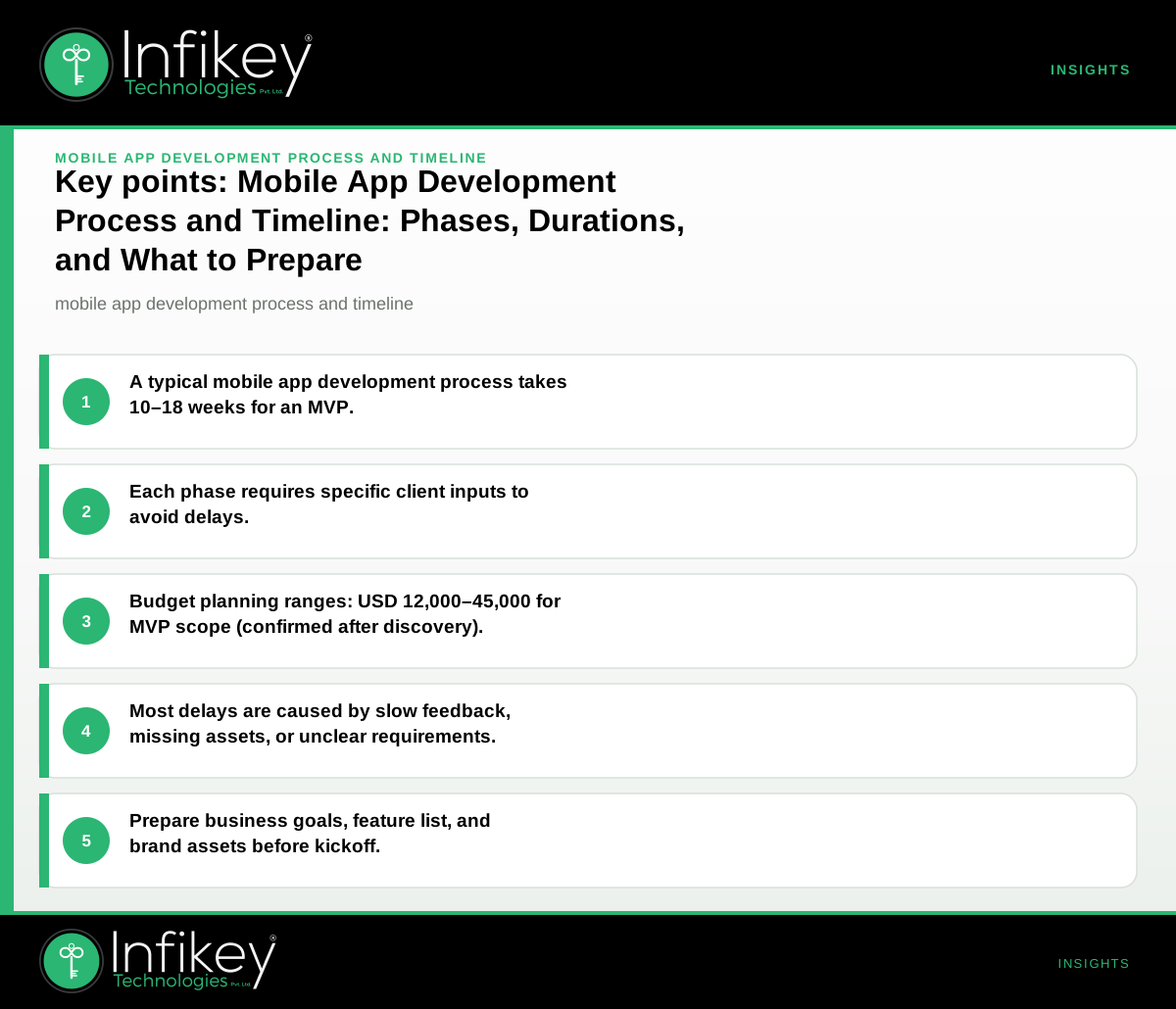
The mobile app development process typically involves five main phases—discovery, design, development, testing, and launch—spanning 10 to 18 weeks for a standard MVP (iOS + Android). Each phase has specific deliverables and client inputs. Understanding the mobile app development process and timeline helps you budget, prepare, and avoid delays.
Mobile App Development Phases, Durations, and Client Inputs
The mobile app development process is structured to reduce risk and ensure a predictable outcome. Each phase brings its own deliverables and client responsibilities, making it essential to understand what’s expected at every step.
| Phase | What Happens | Typical Duration | Deliverable | What the Client Provides |
|---|---|---|---|---|
| Discovery | Requirements, goals, user flows, tech choices | 1–2 weeks | Project brief, estimates | Business goals, feature list |
| Design | UI/UX wireframes, prototypes, user journeys | 2–4 weeks | Wireframes, UI mockups | Brand assets, feedback |
| Development | Coding, API integration, backend, core features | 4–8 weeks | Working app build | API access, test data |
| Testing | QA, bug fixing, device and user acceptance testing | 2–3 weeks | Test reports, UAT build | Test cases, user testers |
| Launch | App store prep, deployment, release support | 1–2 weeks | Live app, handover docs | Store accounts, approvals |
Planning ranges: For a typical MVP (auth, core flows, API, store submission), allow 10–18 weeks and a budget of USD 12,000–45,000. Final scope and commercials are confirmed after discovery.
Why Each Phase Matters
- Discovery: Sets the foundation by clarifying business objectives, technical feasibility, and app requirements. A thorough discovery phase reduces rework and aligns all stakeholders.
- Design: Translates requirements into user journeys and visual assets. Early feedback here is crucial for user adoption and brand consistency.
- Development: Converts designs into a working product. This is where technical choices and API integrations are implemented.
- Testing: Ensures the app works as intended across devices and scenarios. Early bug detection saves time and cost.
- Launch: Prepares the app for public release. Proper preparation avoids app store rejections and ensures a smooth go-live.
App Development Timeline: What to Expect and Plan For
The app development timeline depends on the scope, complexity, and readiness of client inputs. Here’s a breakdown:
- Simple MVP: 10–12 weeks (limited features, basic integrations)
- Feature-rich MVP: 14–18 weeks (more screens, third-party APIs, admin panel)
- Custom or enterprise app: 16–24+ weeks (complex integrations, advanced security, multiple user roles)
Key timeline drivers:
- Number of features and platforms (iOS, Android, or both)
- Custom UI/UX requirements
- Integration with external systems (APIs, payment gateways, etc.)
- Client feedback speed and availability of assets
Mobile App Project Planning: How to Set Your Project Up for Success
Effective mobile app project planning is the difference between a smooth launch and missed deadlines. Consider these steps:
1. Define Scope and Success Metrics
- List must-have vs. nice-to-have features.
- Set measurable goals (e.g., user signups, transactions, downloads).
2. Identify Stakeholders and Roles
- Assign a single point of contact for decision-making.
- Clarify who provides feedback, assets, and approvals at each phase.
3. Prepare Technical and Brand Assets
- Gather API documentation, test data, and third-party credentials.
- Provide logos, color palettes, and style guides early.
4. Align on Communication and Feedback Cycles
- Agree on weekly check-ins or sprint reviews.
- Set clear expectations for turnaround on feedback.
5. Plan for App Store Submission
- Set up Apple and Google developer accounts in advance.
- Review app store guidelines to avoid last-minute surprises.
App Development Deliverables: What You Receive at Each Stage
Understanding app development deliverables helps you track progress and ensure nothing is missed. Here’s what to expect:
- Discovery: Project brief, user flows, technical recommendations, ballpark estimate.
- Design: Interactive wireframes, high-fidelity UI mockups, clickable prototypes.
- Development: Staged app builds for review, backend setup, API integrations.
- Testing: QA reports, bug lists, user acceptance builds.
- Launch: Live app on app stores, source code, admin credentials, handover documentation.
Tip: Always request documentation and admin access at handover to maintain control over your app post-launch.
Mobile App Launch Process: Steps to a Successful Release
Launching a mobile app involves more than just uploading to the app store. The mobile app launch process includes:
- Final QA and User Acceptance Testing (UAT): Ensure all critical issues are resolved and the app meets business requirements.
- App Store Preparation: Prepare app descriptions, screenshots, privacy policies, and compliance checklists.
- Submission and Review: Submit to Apple App Store and Google Play Store. Address any feedback from the review teams promptly.
- Deployment: Coordinate go-live timing and monitor for issues post-launch.
- Post-Launch Support: Address initial bug reports, monitor analytics, and plan the next iteration.
Best practices:
- Use real content and production data in test builds.
- Double-check compliance with Apple/Google guidelines.
- Communicate launch timing with your marketing and support teams.
What to Prepare Before Kickoff: Client Checklist
Before starting, prepare these items to keep the process efficient:
- Clear business objectives: What is the app’s core purpose? Who are the target users?
- Feature wishlist: Prioritise must-haves vs. nice-to-haves.
- Brand assets: Logo, colour palette, fonts, and any existing style guides.
- User flows or sketches: Even rough diagrams help clarify expectations.
- Integration details: Access to APIs, third-party services, or backend systems.
- Decision-makers: Identify who will give feedback and sign off at each stage.
- App store accounts: Create or prepare Apple/Google developer accounts for launch.
Tip: The more specific and centralised your inputs, the fewer delays later.
What Usually Causes Delays—and How to Prevent Them
1. Slow feedback cycles
- *Prevention:* Assign a single point of contact and agree on feedback timelines up front.
2. Unclear or changing requirements
- *Prevention:* Finalise the feature list and priorities during discovery. Use change control for new ideas.
3. Missing assets or access
- *Prevention:* Prepare all brand assets and integration credentials before design and development start.
4. App store approval issues
- *Prevention:* Follow Apple/Google guidelines from the start and use real content in test builds.
5. Scope creep
- *Prevention:* Stick to the agreed MVP scope; defer enhancements to post-launch iterations.
Example Project Shapes and Ballpark Timelines
On projects like this, we typically see these shapes:
- MVP (iOS + Android, Flutter or native): Auth, core flows, API, store submission. *Timeline: 10–18 weeks. Budget: USD 12,000–45,000.*
- Custom web application/portal: Auth, dashboards, integrations. *Timeline: 8–20 weeks. Budget: USD 15,000–60,000+.*
- AI feature on existing product: Scoped use-case, evaluation, launch. *Timeline: 6–14 weeks. Budget: USD 8,000–35,000.*
Final scope and commercials are confirmed after discovery. For a tailored estimate, use our app development cost calculator or contact Infikey.
Decision Rules: How to Keep Your Project on Track
- If your team can’t provide assets or feedback quickly, add buffer time to your plan.
- If you need to launch for a fixed event (e.g., conference), prioritise a smaller MVP and plan enhancements post-launch.
- If you have complex integrations, allocate extra time for API access and third-party coordination.
What to Ask Your App Development Partner
- What is included in your standard support window after launch?
- How do you handle change requests after discovery?
- What documentation and source code will I receive at handover?
- Who from my team should be involved at each phase?
- Can you provide a detailed timeline with dependencies?
- What are the key app development deliverables at each phase?
- How do you manage the mobile app launch process and app store submissions?
- What is your experience with projects in our industry (e.g., healthcare, retail, financial services)?
For global buyers, Infikey delivers remotely with clear documentation and USD-friendly planning ranges. See our mobile app development service for more details or talk to Infikey about your requirements.