
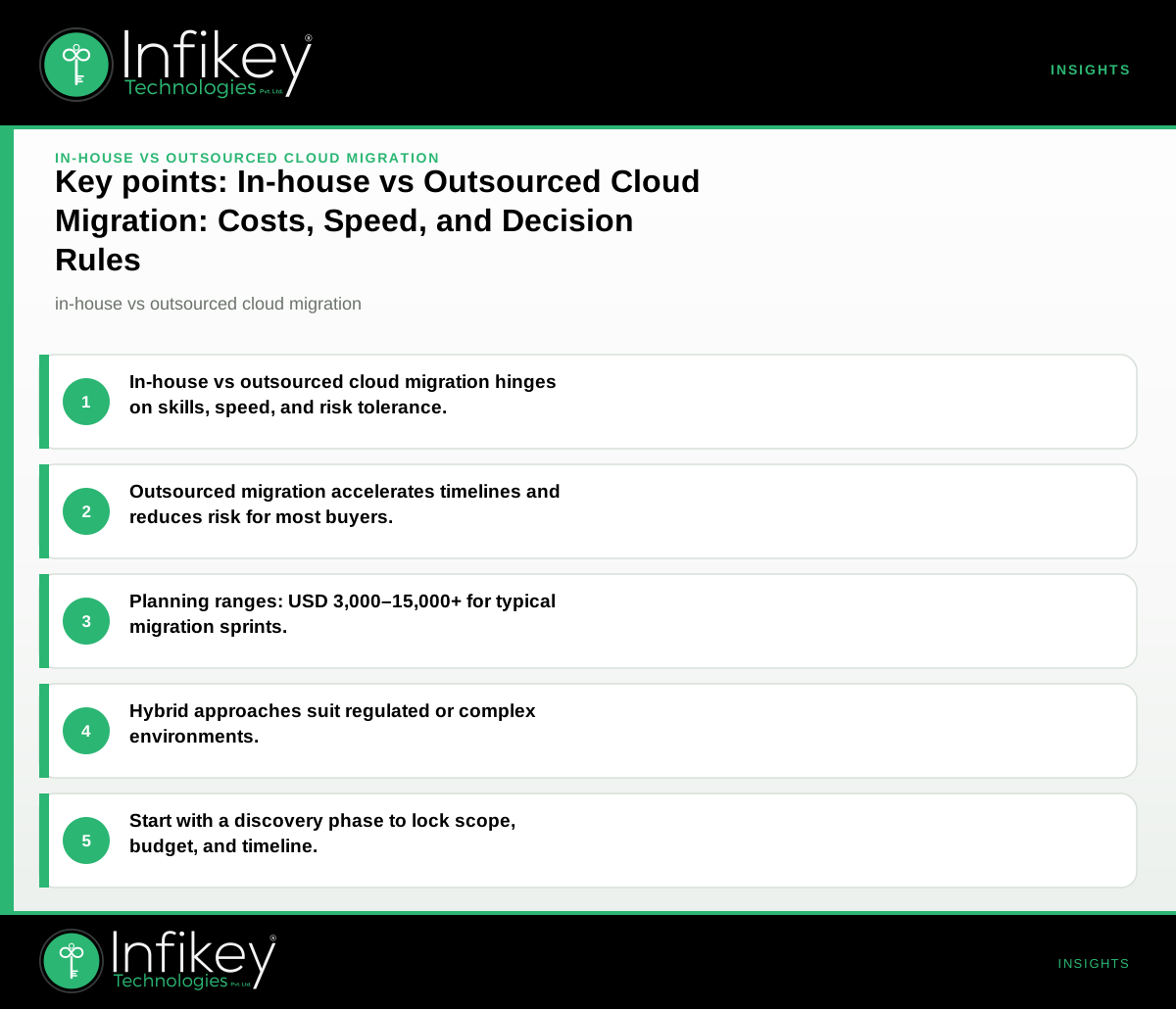
Choosing between in-house vs outsourced cloud migration comes down to your internal expertise, project urgency, and appetite for risk. In-house migration offers the most control but requires skilled staff and time; outsourcing accelerates delivery, reduces risk, and suits firms without deep cloud skills. Hybrid approaches can balance control and speed for complex or regulated migrations.
In-house vs Outsourced Cloud Migration: Side-by-Side Comparison
| Option | Cost (planning range) | Speed | Control | Risk | Best for |
|---|---|---|---|---|---|
| In-house | USD 3,000–15,000+* | Slow–Medium | Full | Higher (if skills gap) | Firms with skilled IT/cloud teams |
| Outsourced | USD 3,000–15,000+* (plus PM) | Fast–Medium | Shared | Lower (if partner is proven) | Firms lacking cloud skills or needing speed |
*Planning ranges based on a typical cloud/infrastructure hardening or migration sprint. Final scope and commercials are confirmed after discovery. See Cloud and infrastructure services.
Decision Rules: Should You Choose In-house or Outsourced Cloud Migration?
When In-house Cloud Migration Makes Sense
- You have an experienced internal cloud/DevOps team familiar with your current infrastructure.
- Migration is not urgent, allowing time for staff learning and process refinement.
- Regulatory or compliance requirements mandate that sensitive data or workloads remain under your direct control.
- You want to build or retain long-term internal cloud expertise for future projects.
When Outsourcing Cloud Migration is Preferable
- Your internal team lacks hands-on cloud migration experience or is already at capacity.
- The business needs to move quickly—such as during a merger, acquisition, or urgent digital transformation.
- You require a fixed timeline, clear deliverables, and external accountability.
- There's a need for risk reduction, leveraging proven migration playbooks and best practices.
When to Consider a Hybrid Cloud Migration Approach
- Your organization wants to keep critical or regulated workloads in-house but outsource less sensitive migrations.
- Internal teams handle planning, oversight, or post-migration management, while external experts execute technical migration tasks.
- You want to ensure knowledge transfer—external partners migrate, then train your staff for ongoing operations.
- Your business operates in multiple regions, requiring a blend of local and global expertise.
Cloud Migration Cost Comparison: What to Expect
Understanding the cost implications is key to making an informed decision. Both in-house and outsourced approaches have direct and indirect costs.
In-house Cloud Migration Costs
- Direct costs: Staff time, training, migration tools, and possible overtime.
- Indirect costs: Potential delays, errors, or rework if the team lacks experience. These can lead to increased downtime or post-migration troubleshooting.
- Planning range: USD 3,000–15,000+ for a focused migration sprint (tooling, staff time, process setup).
Outsourcing Cloud Migration Costs
- Direct costs: Partner fees, project management, and any third-party tool licenses.
- Indirect costs: Typically lower risk of delays or errors due to experienced partners, but you may pay more for complex integrations or regulatory compliance.
- Planning range: USD 3,000–15,000+ for a migration or hardening sprint, with additional costs for project management or extended support.
All figures are planning ranges only. Final budgets are confirmed after a discovery phase. For a tailored estimate, contact Infikey.
Outsourcing Cloud Migration: Pros and Cons
Pros
- Speed: Rapid execution with experienced teams and proven playbooks.
- Risk reduction: Lower chance of migration errors or downtime.
- Predictable timelines: Clear project milestones and deliverables.
- Access to expertise: Leverage advanced skills unavailable in-house.
Cons
- Less direct control: Decision-making may be shared or require coordination.
- Potential knowledge gaps: Internal teams may need post-migration training.
- Vendor dependency: Ongoing reliance on external partners for future changes.
- Data [security](/services/cybersecurity) concerns: Sensitive workloads may require additional oversight or hybrid models.
In-house Cloud Migration Checklist
If you’re considering an in-house migration, use this checklist to assess readiness:
- Skills Inventory: Does your team have hands-on experience with major cloud platforms (AWS, Azure, GCP) and migration tools?
- Resource Availability: Are enough staff available to dedicate time to migration without impacting daily operations?
- Migration Plan: Have you documented all applications, data, and dependencies to be migrated?
- Risk Assessment: Have you identified potential risks (downtime, data loss) and mitigation plans?
- Testing Strategy: Is there a plan for pre- and post-migration testing?
- Rollback Plan: Do you have a clear process to revert changes if issues arise?
- Documentation: Will all steps and decisions be recorded for future audits or compliance?
- Stakeholder Buy-in: Are business and technical sponsors aligned on goals, timeline, and resources?
If you answer "no" to any of these, consider supplementing with external expertise or a hybrid approach.
Cloud Migration Planning Steps
A successful migration—whether in-house, outsourced, or hybrid—follows these critical planning steps:
- Discovery and Assessment: Inventory all workloads, applications, and data. Identify dependencies and compliance requirements.
- Strategy Selection: Decide on in-house vs outsourced cloud migration, or a hybrid model, based on your capabilities and business needs.
- Cost and Timeline Estimation: Use planning ranges to set expectations and secure budget approval.
- Migration Roadmap: Sequence workloads for migration, prioritizing by business criticality and complexity.
- Risk Management: Develop contingency plans for downtime, data loss, or rollback scenarios.
- Execution and Testing: Migrate workloads, validate functionality, and monitor for issues.
- Knowledge Transfer and Handover: Ensure documentation and training for ongoing management.
Example Project Shapes and Timelines
Here are two typical shapes for cloud migration projects:
| Project Type | Ballpark (USD) | Timeline |
|---|---|---|
| Cloud/infrastructure hardening sprint | 3,000–15,000 | 2–6 weeks |
| Custom web application migration (with CI/CD) | 15,000–60,000+ | 8–20 weeks |
These ranges apply whether you use in-house or outsourced teams. Outsourcing may compress timelines by 20–40%, especially when using a partner with proven migration playbooks.
Hybrid Cloud Migration Approach: When and Why
A hybrid cloud migration approach combines the strengths of both in-house and outsourced models. It is especially effective for:
- Regulated industries (e.g., healthcare, financial services) where data residency and compliance are critical.
- Global organizations with distributed teams needing local knowledge and global best practices.
- Complex migrations where some workloads must stay in-house for security, while others can be migrated by external experts.
Hybrid models allow you to:
- Retain control over sensitive data and critical systems.
- Accelerate less critical migrations with external support.
- Ensure knowledge transfer and long-term maintainability.
See more on our Cloud and infrastructure delivery.
Common Pitfalls to Avoid in Cloud Migration
- Underestimating time and effort: In-house teams may misjudge the complexity, leading to overruns.
- Hidden costs: Downtime, errors, or post-migration fixes can erode cost savings.
- Inadequate documentation: Failing to document processes can create compliance and support challenges.
- Unclear ownership: Not defining data ownership, rollback, or support responsibilities when outsourcing.
- Skipping testing: Insufficient pre- and post-migration testing increases risk of business disruption.
Key Questions to Decide Your Cloud Migration Approach
- Does your team have hands-on experience with cloud migration tools and platforms?
- Is your migration timeline flexible, or do you need to move quickly?
- Are there compliance or data residency requirements that restrict outsourcing?
- Can you quantify the cost of downtime or migration failure?
- Do you need a clear, documented process for non-technical sponsors to approve?
- Would a hybrid approach balance your needs for speed, control, and compliance?
If you answer "no" to 1 or 3, outsourcing or a hybrid model is likely safer. If speed or risk reduction is critical, outsourcing is usually preferred.
Next Steps: Get a Migration Plan You Can Approve
Whether you choose in-house, outsourced, or hybrid, start with a discovery and planning phase. Infikey Technologies Pvt. Ltd. can help you scope, budget, and document your migration plan for sponsor approval. Contact us for a tailored migration assessment or see our Cloud and infrastructure services for more details.