
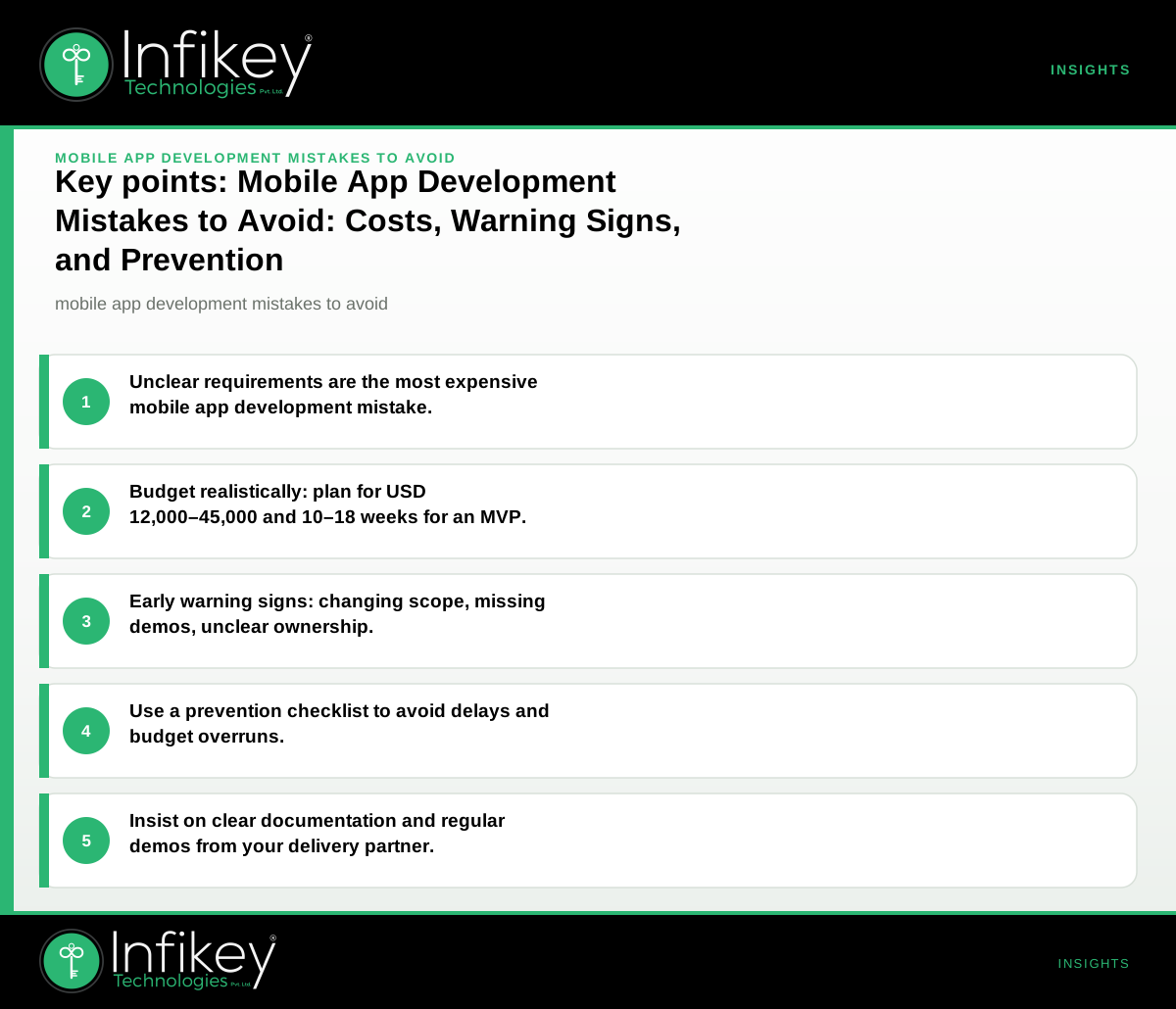
The most expensive mobile app development mistake is unclear requirements and ownership: if you start without a detailed, agreed scope and a single accountable sponsor, you risk runaway costs, missed deadlines, and a product that does not meet business needs. Avoid this by insisting on clear documentation, sign-off, and regular checkpoints with your delivery partner.
Table: Common Mobile App Development Mistakes, Costs, and How to Avoid Them
| Mistake | Why it happens | What it costs you | How to avoid it |
|---|---|---|---|
| Unclear requirements and ownership | Vague goals, no single sponsor, poor documentation | 30–80% budget overruns, rework, delays | Document scope, assign sponsor, sign off milestones |
| Underestimating budget and timeline | Over-optimism, skipping discovery phase | Incomplete app, extra sprints, lost users | Use planning ranges, allow 20% contingency, phase 1 |
| Ignoring platform guidelines (iOS/Android) | Inexperienced team, not testing on real devices | App store rejection, extra dev cycles | Follow platform docs, test on devices, review early |
| Weak API/backend planning | API not ready, poor integration, unclear data flows | Broken features, delays, security risks | API specs early, backend readiness checks, mock APIs |
| Poor user testing and feedback loops | Rushed launch, no real-user feedback, no UAT | Low ratings, high churn, missed bugs | Beta test, staged rollout, act on feedback |
| No plan for support and updates | Focus on launch only, unclear post-launch ownership | Security holes, user drop-off, tech debt | Agree support terms, budget for updates, handover docs |
Understanding Mobile App Development Pitfalls
Mobile app development pitfalls are often subtle and can derail even well-intentioned projects. Some of the most common app development mistakes stem from skipping essential steps, such as discovery, or failing to align technical and business teams. For example, building features without validating user needs can result in wasted effort and low adoption. Similarly, neglecting to plan for scalability or security early on can create expensive technical debt later.
Key Pitfalls to Watch For:
- Rushing to code before discovery: Skipping the discovery phase leads to missed requirements and costly rework. Always allocate time for requirements gathering, user journey mapping, and technical feasibility checks.
- Overlooking compliance and privacy: Mobile apps, especially in regulated industries like healthcare or finance, must comply with local and international regulations. Failing to address privacy or data security from the start can result in app store rejection or legal issues.
- Fragmented communication: When stakeholders, developers, and designers are not aligned, misunderstandings multiply. Use shared documentation, regular stand-ups, and milestone reviews to keep everyone on the same page.
Early Warning Signs During a Mobile App Project
- Requirements keep changing, or key decisions are delayed.
- Developers regularly ask for clarifications not covered in specs.
- No working demo or test build after 4–6 weeks.
- App crashes or fails basic flows on test devices.
- API or backend is not available for integration on schedule.
- Stakeholders rarely attend reviews or skip sign-offs.
- No plan for app store submission or compliance checks.
If you spot two or more of these, pause and clarify scope, ownership, and next steps before proceeding. Recognizing these signals early is one of the most effective ways to avoid app development failure.
Prevention Checklist: Avoiding Costly Mobile App Development Mistakes
- Define and document requirements.
- Use clear user stories, wireframes, and acceptance criteria. This ensures all parties understand what is being built and why.
- Assign a single accountable sponsor.
- This person owns decisions, sign-offs, and budget. Without clear ownership, projects drift and accountability is lost.
- Insist on a discovery phase.
- Confirm feasibility, budget, and timeline before build. A discovery phase helps surface hidden requirements and technical challenges.
- Review platform guidelines and compliance.
- Prepare for iOS/Android policies, privacy, and accessibility. This reduces the risk of app store rejection or post-launch issues.
- Test early and often.
- Get real users involved before launch. Early feedback prevents costly post-launch fixes.
- Plan for support and updates.
- Agree post-launch process and budget. Apps require ongoing maintenance for security, OS changes, and user feedback.
Mobile App Project Budget: How to Plan and Control Costs
Budget overruns are among the most common app development mistakes. To avoid them, start with realistic planning ranges. For a global buyer working with a partner like Infikey Technologies Pvt. Ltd., a typical mobile app (iOS + Android, Flutter or native) MVP with authentication, core flows, API integration, and store submission support falls in the USD 12,000–45,000 range, delivered over 10–18 weeks. Always confirm final scope and commercials after a discovery phase.
Example Project Shapes and Budgets
- Startup MVP: Authentication, user profiles, core flows, and API integration. Planning range: USD 12,000–20,000. Timeline: 10–12 weeks.
- Retail Loyalty App: Catalog, rewards, notifications, and store submission support. Planning range: USD 18,000–32,000. Timeline: 12–16 weeks.
- Healthcare Appointment App: Patient registration, scheduling, secure messaging, compliance checks. Planning range: USD 25,000–45,000. Timeline: 14–18 weeks.
These are ballpark estimates for typical Infikey-style engagements. Always budget a 20% contingency for changes or unknowns. For more complex or industry-specific requirements, see our mobile app development page or contact us for a tailored estimate.
The Mobile App Development Process: Steps to Reduce Risk
A structured mobile app development process is the best defense against common pitfalls. Here’s a step-by-step outline:
- Discovery and Planning:
- Define business goals, target users, and success metrics. - Document requirements and user journeys. - Estimate budget and timeline.
- Design and Prototyping:
- Create wireframes and clickable prototypes. - Validate with stakeholders and sample users.
- Development:
- Build core features in prioritized sprints. - Integrate APIs and third-party services. - Conduct code reviews and automated testing.
- Testing and QA:
- Run unit, integration, and user acceptance tests. - Test on real devices and platforms. - Collect feedback and iterate.
- Deployment:
- Prepare for app store submission (iOS/Android guidelines). - Address compliance, privacy, and accessibility.
- Post-Launch Support:
- Monitor analytics and crash reports. - Release updates and bug fixes. - Plan for feature enhancements.
Each phase should have clear deliverables and sign-offs to prevent scope creep and miscommunication.
How to Avoid App Development Failure: Decision Rules and Questions to Ask
To steer clear of mobile app development pitfalls, sponsors and product owners should:
- Ask for a written scope and user flows before approving spend.
- Request a delivery plan with milestones and demo dates.
- Insist on regular progress demos and visible test builds.
- Confirm who owns decisions, communication, and app store accounts.
- Use clear documentation you can review and sign off, not just technical jargon.
Questions to Ask Your Mobile App Development Partner:
- Can you walk me through your mobile app development process?
- How do you handle changes in requirements after the project starts?
- What is your approach to user testing and feedback?
- How do you ensure compliance with app store and privacy guidelines?
- What support and update services do you offer post-launch?
- Can you provide planning ranges for budget and timeline based on similar projects?
Free Tool: Estimate Your App Development Budget
Before committing, use our app development cost calculator to estimate your budget based on features, platforms, and support needs. This helps set realistic expectations and avoid surprises later.
The Primary Keyword in Context
Understanding "mobile app development mistakes to avoid" is critical for any global buyer. By following the steps above and working with a partner like Infikey Technologies Pvt. Ltd., you can reduce risk, control costs, and launch a product that meets your business goals. Avoiding common app development mistakes—such as unclear requirements, underestimating budgets, and skipping user testing—can make the difference between a successful launch and a costly failure.
Ready to avoid costly mistakes and deliver your app on time? See how we deliver mobile app development projects or talk to Infikey for a no-obligation consultation.