A graphic design requirements checklist sets clear expectations, reduces rework, and helps you compare vendor proposals on equal terms. Use this copyable checklist to brief your designer or agency—covering goals, scope, technical specs, content, compliance, budget, and timeline—so you get the right outcome, on time and within budget.
The Ultimate Graphic Design Requirements Checklist
Copy, adapt, and send these sections to your chosen vendor. Each group ensures nothing critical is missed.
1. Project Goals and Objectives
- What is the main purpose of this design (e.g., brand awareness, sales, internal communication)?
- Who is the primary audience or user?
- What action should the audience take after seeing the design?
- Are there key messages or emotions to convey?
- Are there measurable outcomes or KPIs for the project?
Tip: Defining clear objectives at the start of your graphic design project brief helps align all stakeholders and prevents scope creep. For example, if your goal is to increase newsletter signups, the design should focus on clear calls-to-action and conversion-oriented layouts.
2. Scope and Deliverables
- What specific assets are required (e.g., logo, brochure, social media banners, website graphics)?
- How many concepts or variations are expected?
- Will the design be adapted for multiple formats or languages?
- Are editable source files (e.g., PSD, AI) required?
- Should the design follow an existing brand guideline?
- Are there any future-proofing needs (e.g., templates for ongoing campaigns)?
Decision Rule: List every deliverable in your graphic design deliverables checklist. If you need both web and print versions, specify this up front. If you expect the designer to create reusable templates, mention this as a separate line item.
3. Technical Specifications
- Required dimensions and aspect ratios for each asset
- File formats needed (e.g., PNG, JPEG, SVG, PDF)
- Resolution requirements (e.g., 300dpi for print, 72dpi for web)
- Colour profiles (e.g., RGB, CMYK, Pantone references)
- Accessibility considerations (e.g., contrast, legibility)
- Platform-specific requirements (e.g., social media, app store guidelines)
Best Practice: Share your graphic design specifications as early as possible. If you’re unsure, ask your vendor for recommendations based on your use case. For example, social media graphics often require multiple size variants, while print assets need high-resolution, CMYK files.
4. Content and Assets
- Who provides text/copy? Is it final or draft?
- Are images, logos, or icons supplied, or should the designer source them?
- Any mandatory legal or disclaimer text?
- Reference designs, mood boards, or examples you like/dislike
- Are there brand voice or tone-of-voice requirements?
Questions to Ask:
- Do you have all the content ready, or will you need copywriting support?
- Are there any assets (e.g., product photos, headshots) that must be included?
- Can you provide examples of designs you admire or want to avoid?
5. Compliance and Approvals
- Are there industry or regulatory standards to meet (e.g., accessibility, copyright)?
- Who signs off on each stage (draft, final)?
- Any required internal/external approvals before launch?
- Are there copyright or licensing requirements for images and fonts?
Worked Example: If your project is for the healthcare industry, you may need to comply with accessibility standards and ensure all imagery is licensed for commercial use. Specify these requirements in your checklist to avoid delays at the approval stage.
6. Budget and Commercials
- Confirmed budget or target range (USD or local currency)
- Payment terms (e.g., milestone, on delivery)
- Any cost constraints on stock images, fonts, or third-party assets?
- Is a formal quote or SOW required?
- Are there preferred or restricted payment methods?
Graphic Design Budget Range Guidance:
- For a small set of assets or a logo suite, expect a budget range of USD 1,500–4,000.
- For a comprehensive website design system or multi-asset campaign, plan for USD 4,000–12,000.
- Always confirm the final scope and commercials after a discovery phase, as outlined by Infikey Technologies Pvt. Ltd..
Tip: Specify if you have a hard cap on licensing costs for stock images or premium fonts. This helps your vendor propose solutions within your graphic design budget range.
7. Timeline and Milestones
- Required delivery date for first draft and final assets
- Key milestones (concept review, revisions, sign-off)
- Time zone or working hour preferences (for remote teams)
- Who is the main contact for feedback and queries?
- Are there critical launch or campaign dates?
Graphic Design Timeline Example:
- First draft in 1 week
- Feedback and revisions within 3 business days
- Final assets delivered in 3 weeks
- Allow extra time for multi-language or compliance-heavy projects
Tip: Build in buffer time for feedback rounds and internal approvals. A clear timeline in your graphic design requirements checklist helps avoid last-minute rushes and missed deadlines.
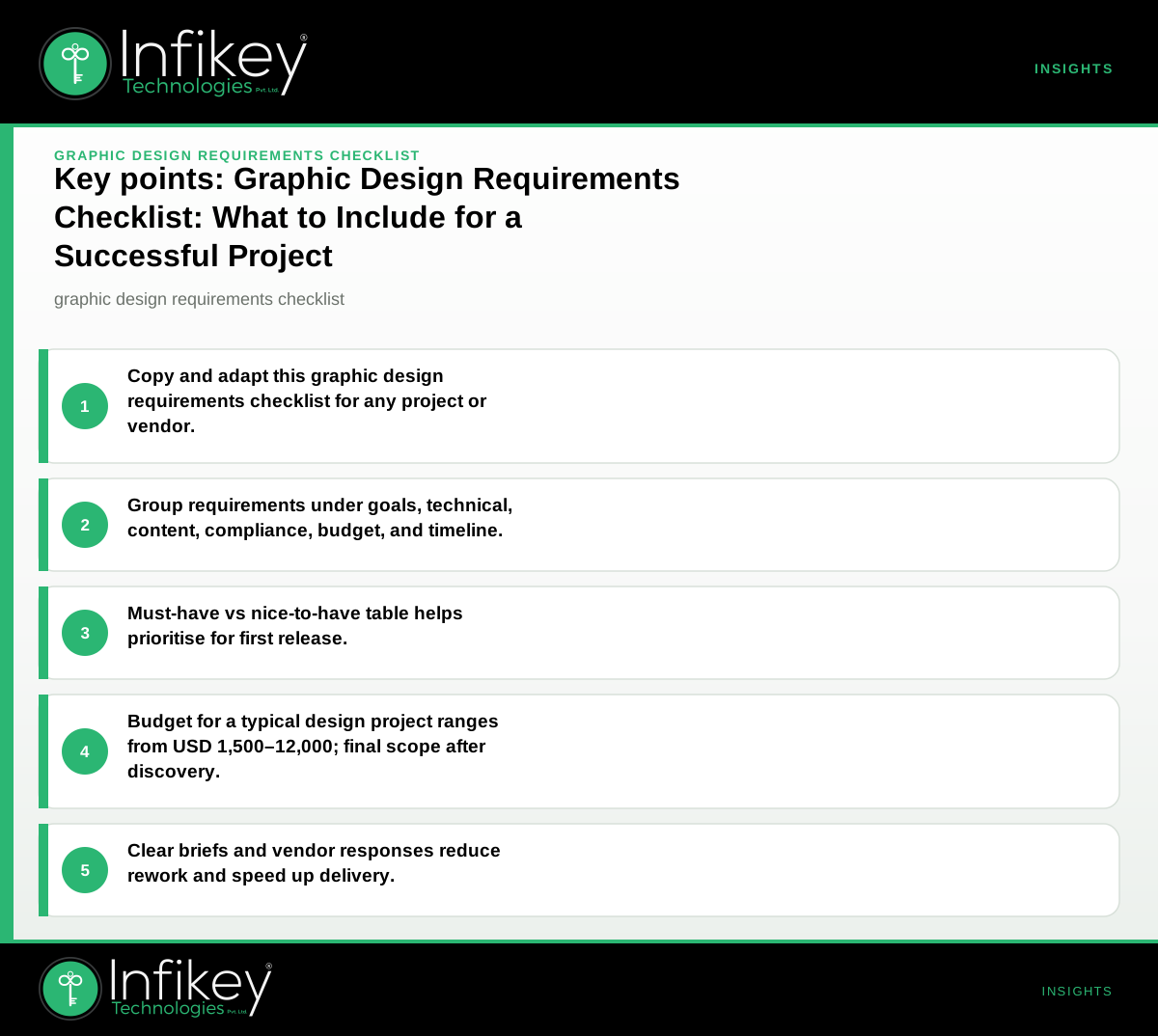
Must-Have vs Nice-to-Have: First Release Table
| Requirement | Must-Have | Nice-to-Have |
|---|---|---|
| Clear project goal | ✓ | |
| List of required assets | ✓ | |
| Final copy/text | ✓ | |
| Brand guidelines (if available) | ✓ | |
| Dimensions and file formats | ✓ | |
| Source files | ✓ | |
| Multiple language versions | ✓ | |
| Mood board or references | ✓ | |
| Accessibility checks | ✓ | |
| Regulatory compliance (if applicable) | ✓ | |
| Budget range | ✓ | |
| Timeline with milestones | ✓ | |
| Editable templates for future use | ✓ |
Example: Filled-In Checklist Entry (Anonymous Project)
- Project Goal: Launch a product awareness campaign for a new SaaS tool targeting small businesses.
- Assets Needed: 1 hero website banner, 3 social media images, 1 printable flyer.
- Technical Specs: Banner 1920x600px (RGB, JPEG), social images 1080x1080px (PNG), flyer A4 (CMYK, PDF, 300dpi).
- Content: Copy provided by client, product screenshots supplied, designer to source 2 stock images (max $25 each).
- Compliance: Must meet WCAG AA for contrast; all images must be licensed for commercial use.
- Budget: USD 1,500–2,500 (final scope after discovery).
- Timeline: First draft in 1 week, final assets in 3 weeks, 2 rounds of revisions.
How Vendors Should Respond to Each Section
- Project Goals: Restate your understanding; flag any ambiguity.
- Scope: Confirm deliverables, number of concepts, and any exclusions.
- Technical: List how specs will be met; ask if unsure about formats or platforms.
- Content: Identify missing assets; clarify who sources what.
- Compliance: Confirm which standards will be followed; note any risks.
- Budget: State if the target is realistic for the scope; outline payment terms.
- Timeline: Provide a schedule with milestones; flag any dependencies or risks.
What Does a Typical Graphic Design Project Cost and How Long Does It Take?
For a mid-scope project (e.g., a set of marketing graphics, a brochure, or a logo suite), planning ranges are:
- Budget: USD 1,500–4,000 for a small campaign or logo suite; USD 4,000–12,000 for a website design system or multi-asset campaign. Final scope and commercials are confirmed after discovery.
- Timeline: 2–8 weeks depending on feedback cycles, asset count, and complexity. Allow extra time for multi-language or compliance-heavy projects.
For more complex or ongoing design needs, see Graphics designing for tailored engagement models.
Example Project Shapes, Budgets, and Timelines
Here are three common graphic design project shapes, with planning ranges and timelines based on Infikey Technologies Pvt. Ltd.’s experience:
- Marketing Website Design System
- Scope: Design system, 8–15 pages, CMS-ready assets, basic SEO foundations, forms - Budget: USD 4,000–12,000 - Timeline: 4–8 weeks - Best For: Companies launching or refreshing a brand website, needing consistent graphics and templates
- Custom Web Application or Portal Graphics
- Scope: Auth screens, dashboards, icons, role-based UI elements, integration graphics - Budget: USD 15,000–60,000+ - Timeline: 8–20 weeks - Best For: SaaS, fintech, or enterprise platforms requiring bespoke UI/UX and branded visuals
- Mobile App Graphic Assets
- Scope: App icons, onboarding screens, in-app illustrations, store submission graphics - Budget: USD 12,000–45,000 - Timeline: 10–18 weeks - Best For: Product teams launching new iOS/Android apps or refreshing app branding
*Note: These are planning ranges. Final scope and commercials are confirmed after discovery. For India-based projects, INR ranges are available on request.*
How to Use This Graphic Design Requirements Checklist
- Start with your goals: Use the checklist to clarify what success looks like for your project.
- Fill in each section: Even if you’re unsure about technical details, note your questions. Vendors can advise on best practices.
- Share with vendors: A detailed checklist makes it easier to compare proposals and spot gaps or misalignments.
- Use as a project brief: This checklist doubles as a graphic design project brief, ensuring everyone is on the same page from day one.
- Review at milestones: Revisit the checklist at each project stage to ensure all deliverables and requirements are being met.
Why a Checklist Matters for Remote and Global Teams
When working with international vendors like Infikey Technologies Pvt. Ltd. in Ahmedabad, a graphic design requirements checklist bridges gaps in time zones, expectations, and communication styles. It creates a single source of truth for your project—critical for remote collaboration. This approach is especially valuable for global markets, where compliance, brand consistency, and technical requirements may vary.
Frequently Asked Questions About Graphic Design Requirements
Q: What if I don’t know all the technical specs? A: Share your intended use (e.g., Instagram post, print flyer, website banner), and your designer can suggest appropriate graphic design specifications.
Q: How do I set a realistic budget? A: Use the graphic design budget range examples above as a starting point. Be transparent about your budget early—vendors like Infikey Technologies Pvt. Ltd. can propose solutions that fit your range.
Q: What’s the difference between must-have and nice-to-have items? A: Must-haves are essential for launch (e.g., final copy, required formats, compliance). Nice-to-haves are enhancements (e.g., editable templates, extra concepts) that can be phased in later.
Q: How do I handle multiple stakeholders? A: Assign a single point of contact for feedback and sign-off. Use the checklist to document decisions and approvals.
Use This Checklist to Brief Any Vendor
This graphic design requirements checklist is designed for international buyers working with remote teams like Infikey Technologies Pvt. Ltd.. It gives you clear ownership, USD-friendly planning, and documentation that a non-technical sponsor can approve. For help scoping or pricing a project, [[Contact Infikey]({{contact](/contact))}} or see our Graphics designing service page.