A website development requirements checklist covers all the details you need to brief vendors, compare proposals, and control scope. Use it to clarify your project’s goals, features, technical needs, content, compliance, budget, and timeline. This checklist is copyable and structured for international buyers working with remote teams like Infikey Technologies Pvt. Ltd..
How to Use This Checklist with Vendors
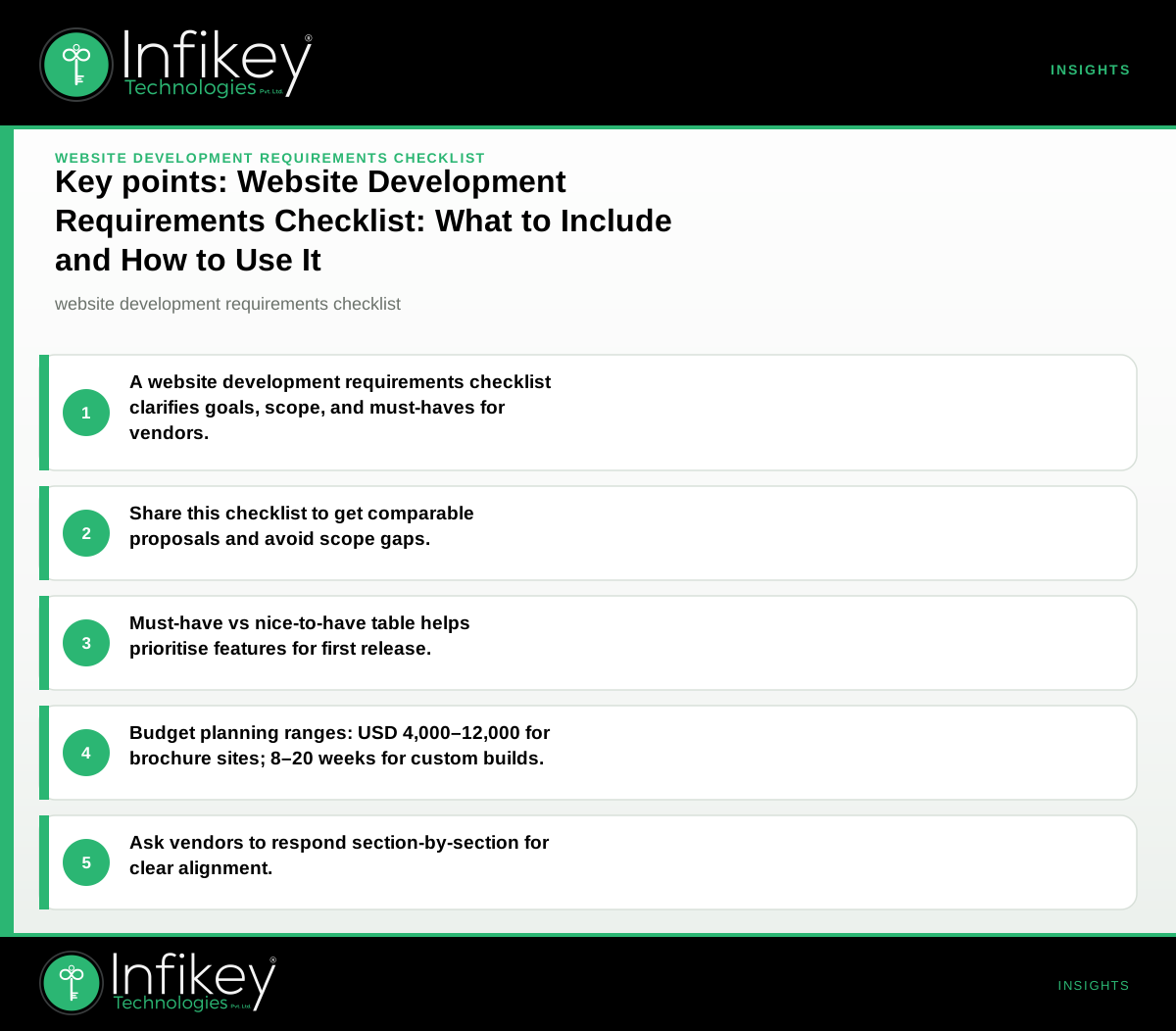
Share this checklist as your initial brief. Ask vendors to respond to each section with their approach, assumptions, and questions. This ensures you get apples-to-apples proposals and avoid scope gaps. A thorough website development requirements checklist is the foundation for a clear website requirements document, which helps you avoid miscommunication and costly rework later.
---
Website Development Requirements Checklist
1. Goals and Success Criteria
- What is the primary purpose of the website? (e.g., lead generation, e-commerce, information)
- Who are the main user groups?
- What does success look like? (KPIs: traffic, conversions, sales, engagement)
- Are there benchmarks or competitor sites you admire?
- Is this a new build or a redesign? If redesign, what pain points exist with the current site?
- What business outcomes must this project deliver? (e.g., increase leads by 30%, reduce support calls)
2. Scope and Features
- Number of unique page templates (e.g., homepage, product, blog, contact)
- Core features required (e.g., forms, search, user login, shopping cart)
- Integrations needed (CRM, analytics, payment gateways, email, chat)
- Multi-language or localisation needs
- Accessibility requirements (WCAG, screen reader support)
- Mobile responsiveness (devices, breakpoints)
- Admin/CMS needs (who will manage content?)
- Do you need a staging environment for review before launch?
- Any third-party widgets or plugins required?
- List any features that must be available on day one versus those that can be phased in later.
3. Technical Requirements
- Preferred technology stack (if any: WordPress, custom, headless, etc.)
- Hosting and domain setup (new or existing?)
- Security requirements (SSL, data privacy, firewalls)
- Performance targets (page load speed, Core Web Vitals)
- SEO foundations (metadata, sitemaps, schema)
- Staging/testing environments needed?
- Do you have existing infrastructure or cloud preferences?
- Any requirements for source code ownership or documentation?
- Will you need automated backups or disaster recovery?
4. Content and Assets
- Who provides initial content (text, images, video)?
- Content migration from an existing site?
- Brand guidelines or assets to follow?
- Stock vs custom imagery?
- Legal pages (privacy policy, terms)
- Are there any specific calls-to-action or lead magnets?
- Do you need support for content localisation or translation?
- Will the site require ongoing content updates, and if so, by whom?
5. Compliance and Data Handling
- GDPR or other data privacy requirements?
- Cookie consent and tracking disclosures?
- Industry-specific compliance (e.g., HIPAA, PCI-DSS)?
- Accessibility compliance (WCAG 2.1 AA or higher)?
- Do you require audit logs or user activity tracking?
- Will the site process or store sensitive personal data?
- Are there requirements for data residency or specific hosting locations?
6. Budget and Timeline
- Target budget range (see planning ranges below)
- Preferred currency (USD, EUR, GBP, INR)
- Required launch date or event deadline
- Internal approval process (who signs off?)
- Ongoing support/maintenance needs
- Are there seasonal or campaign-driven deadlines?
- What is your process for change requests and additional features?
---
Must-Have vs Nice-to-Have: First Release Table
| Area | Must-Have (MVP) | Nice-to-Have (Future) |
|---|---|---|
| Goals | Clear primary goal, user group | Advanced analytics, A/B testing |
| Scope/Features | Home, about, contact, 1–2 core features | Blog, advanced search, chat |
| Technical | Mobile responsive, SSL, basic SEO, CMS | Headless CMS, custom API |
| Content | Brand-aligned copy, legal pages, key images | Video, downloadable resources |
| Compliance | Cookie banner, privacy policy | Full WCAG AA, industry certs |
| Budget | Confirmed planning range, staged payments | Contingency for new features |
| Timeline | 4–8 weeks (brochure site), 8–20 weeks (custom) | Phased rollouts, beta testing |
This table helps you prioritise your website features list and allocate budget and timeline accordingly. By differentiating must-haves from nice-to-haves, you can ensure a focused launch while planning for future enhancements.
---
Example Filled-In Entry (Anonymous Project)
- Purpose: Launch a marketing website for a B2B SaaS product.
- Must-haves: Homepage, features, pricing, contact form, blog, basic SEO, mobile responsive, SSL, GDPR-ready.
- Nice-to-haves: Live chat, gated content, multi-language, advanced analytics.
- Budget: USD 8,000–15,000 (planning range; final after discovery).
- Timeline: 6–10 weeks to launch.
Use this example as a reference when completing your own website requirements document or website project scope checklist. It provides a concise summary for both internal stakeholders and potential vendors.
---
How Vendors Should Respond to Each Section
- Goals: Confirm understanding, suggest measurable KPIs, flag any ambiguity.
- Scope: List included features, note any exclusions, propose alternatives if needed.
- Technical: Recommend stack, state hosting/security approach, clarify performance targets.
- Content: Outline what’s included (copywriting, migration), flag gaps or dependencies.
- Compliance: Confirm which standards are covered, raise any risks or extra costs.
- Budget/Timeline: Provide ballpark within stated range, note assumptions, flag risks to schedule.
On projects like this, we usually see smoother delivery when both sides agree on must-haves first, with nice-to-haves clearly staged for later. For global buyers, confirm currency, payment milestones, and communication cadence upfront. This approach aligns with best practices for a website development scope of work, ensuring clarity and accountability for all parties.
---
Website Requirements Document: Why It Matters
A website requirements document is more than a checklist—it’s a detailed blueprint that guides your project from concept to launch. It should capture:
- Business goals and success metrics
- User personas and journeys
- Detailed website features list (including integrations and compliance)
- Technical stack and infrastructure choices
- Content strategy and migration plan
- Accessibility and legal requirements
- Budget, timeline, and sign-off process
A robust website requirements document reduces ambiguity, accelerates vendor onboarding, and forms the basis for your website RFP template or website project scope checklist. It also helps you avoid scope creep by clearly defining what is (and isn’t) included.
---
Website Project Scope Checklist: What to Include
A website project scope checklist is a practical tool for project managers and buyers. It typically covers:
- Project objectives and KPIs
- Deliverables (page templates, features, integrations)
- Exclusions (what’s out of scope)
- Milestones and deadlines
- Acceptance criteria for each deliverable
- Roles and responsibilities (client vs. vendor)
- Change management process
Using a scope checklist alongside your website requirements document ensures that nothing falls through the cracks, and both sides have a shared understanding of project boundaries.
---
Website Features List: Deciding What to Build
A clear website features list helps you prioritise development and avoid unnecessary complexity. Common features to consider include:
- Contact forms and lead capture
- Blog or news sections
- Product catalogues or service listings
- User authentication and dashboards
- E-commerce shopping carts
- Search functionality
- Integrations (CRM, analytics, chat, email)
- Accessibility tools (font size, contrast switchers)
- Performance enhancements (image optimisation, caching)
When building your features list, ask:
- Which features are essential for launch?
- Which can be phased in later?
- Are there any industry-specific requirements?
---
Website RFP Template: Structuring Your Vendor Brief
A website RFP (Request for Proposal) template structures your communication with vendors and ensures you receive comparable proposals. A good RFP includes:
- Project overview and goals
- Website requirements document (as an attachment or section)
- Website features list with must-have and nice-to-have features
- Technical preferences and constraints
- Content and branding guidelines
- Compliance and data handling requirements
- Budget and timeline expectations
- Evaluation criteria and scoring method
- Submission instructions and contact details
You can adapt this checklist into your own website RFP template, making it easier for vendors like Infikey Technologies Pvt. Ltd. to respond efficiently and accurately.
---
Website Development Scope of Work: Setting Expectations
A website development scope of work (SOW) is the contract-ready version of your requirements. It details:
- Deliverables (with page counts, features, integrations)
- Technical stack and hosting
- Content migration and population
- Testing, QA, and launch support
- Handover, training, and documentation
- Support and maintenance terms
- Payment milestones and acceptance criteria
A well-defined SOW reduces disputes and keeps your project on track. If you’re unsure how to structure yours, Talk to Infikey for a requirements workshop.
---
Example Project Shapes, Ballpark Budgets, and Timelines
Below are typical project shapes and planning ranges for Infikey-style engagements. Final scope and commercials are confirmed after discovery.
| Project Type | Scope Summary | Ballpark (USD) | Timeline |
|---|---|---|---|
| Marketing website (brochure/service) | 8–15 pages, CMS, forms, basic SEO | 4,000–12,000 | 4–8 weeks |
| Custom web app/portal | Auth, dashboards, integrations, staging+production | 15,000–60,000+ | 8–20 weeks |
| SEO/digital marketing retainer | Technical SEO, content plan, reporting | 800–3,000/month | Ongoing |
For example, a mid-sized professional services firm seeking a new marketing website with 10 pages, a blog, and lead capture forms would typically fall in the 4–8 week, USD 4,000–12,000 range. A custom portal with user authentication and third-party integrations would require a larger budget and longer timeline. Always confirm the final scope and commercials after a discovery phase.
---
Questions to Ask Vendors (and Yourself)
- Can you summarise our must-haves and nice-to-haves in your proposal?
- What assumptions have you made about content, integrations, or compliance?
- How do you handle changes or additions after project start?
- What are the payment milestones and in which currency?
- Who is my main point of contact and how often will we communicate?
- How do you ensure website accessibility and compliance?
- What is your process for testing and quality assurance?
- How will you support content migration or integration with our existing systems?
- What is the process for post-launch support and maintenance?
- Can you provide references for similar projects in our industry?
---
Next Steps
Ready to brief vendors or want a template tailored to your project? See Website development for more on process, or [[Contact Infikey]({{contact](/contact))}} for a requirements workshop. For quick budget checks, try our website cost calculator.
A comprehensive website development requirements checklist, paired with a clear website requirements document and a detailed website project scope checklist, is your best tool for a successful website project. Use these resources to set expectations, control scope, and ensure a smooth experience from discovery to launch.